import pygame
from pygame.locals import *
import sys
import math

pygame.init()

width, height = 800, 600
screen = pygame.display.set_mode((width, height))

vertices = [(0, 100, 1), (100, 200, 0), (300, 100, 1)]

angle = 0
rotation_speed = 2  # 可根据需要调整旋转速度
c=pygame.time.Clock()
f=False
suofang=100
def rotate_point(point, angle):
    x, y, z = point
    new_x = x * math.cos(math.radians(angle)) - z * math.sin(math.radians(angle))
    new_z = x * math.sin(math.radians(angle)) + z * math.sin(math.radians(angle))
    return (new_x, y, new_z)

def draw_triangle(vertices):
    #points = [rotate_point(vertex, angle) for vertex in vertices]
    points = []
    for vertex in vertices:
        rotated_vertex = rotate_point(vertex, angle)
        points.append(rotated_vertex)
    #pygame.draw.polygon(screen, (255, 0, 0), [(width/2 + p[0], height/2 - p[1]) for p in points])
    transformed_points = []
    for p in points:
        x = p[0]*30/suofang +300 # 将x坐标用透视投影在屏幕上
        y =  p[1]*30/suofang +200# 将y坐标用透视投影在屏幕上
        transformed_points.append((x, y))  # 将转换后的坐标添加到列表中
        print(p[2])
    # 绘制多边形
    pygame.draw.polygon(screen, (255, 0, 0), transformed_points)


while True:
    screen.fill((255, 255, 255))
    c.tick(70)
    for event in pygame.event.get():
        if event.type == QUIT:
            pygame.quit()
            sys.exit()
        keys = pygame.key.get_pressed()
        if keys[pygame.K_UP]:
            f = True

        if event.type == pygame.KEYUP:
            f = False
    if f==True:
        suofang=suofang-1
    draw_triangle(vertices)
    angle += rotation_speed

    pygame.display.flip()
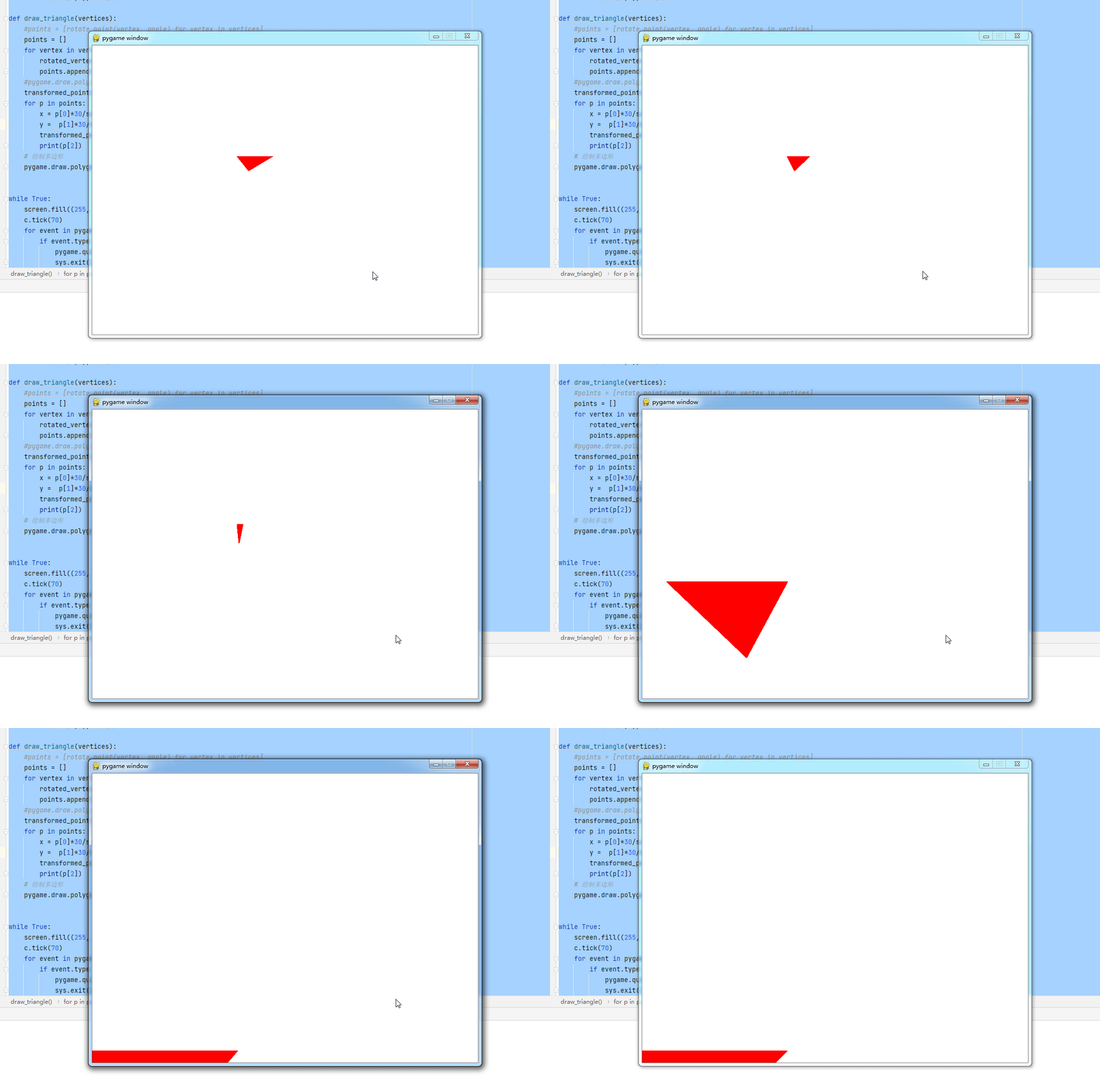
主要代码
for p in points:
x = p[0]*30/suofang +300 # 将x坐标用透视投影在屏幕上
y = p[1]*30/suofang +200# 将y坐标用透视投影在屏幕上
transformed_points.append((x, y)) # 将转换后的坐标添加到列表中
print(p[2])
还有
if f==True:
suofang=suofang-1
以及suofang=100
本文含有隐藏内容,请 开通VIP 后查看