1、Redis简介
Redis是一个开源(BSD许可),内存存储的数据结构服务器,可用作数据库,高速缓存和消息队列代理。它支持字符串、哈希表、列表、集合、有序集合,位图,hyperloglogs等数据类型。内置复制、Lua脚本、LRU收回、事务以及不同级别磁盘持久化功能,同时通过Redis Sentinel提供高可用,通过Redis Cluster提供自动分区。
2、安装Redis(基于官网)
redis官网:Redis官网
安装文档地址:
1、从官网上下载源文件,然后上传到服务器(当然也可以直接用wget 在服务器上下载)。
命令:wget https://download.redis.io/redis-stable.tar.gz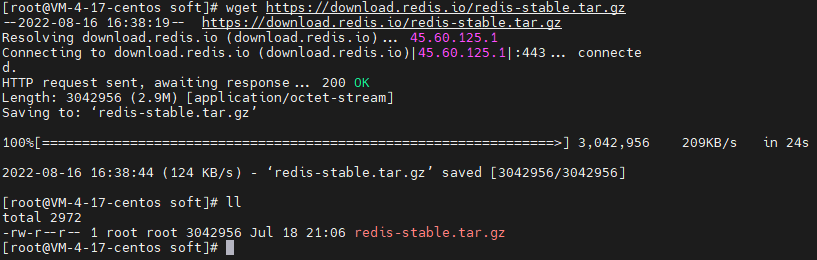
2、解压压缩包:
命令:tar -zxvf redis-stable.tar.gz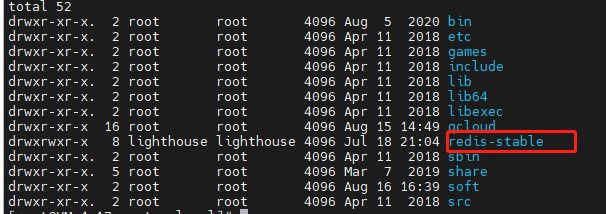
3、进入redis-stable,并且编译redis
命令:
cd redis-stable
make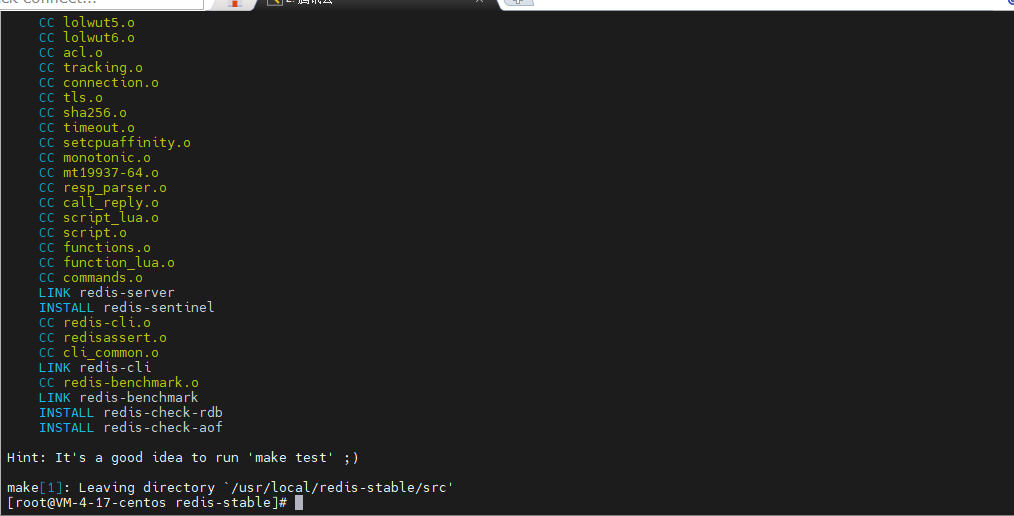
4、安装Redis
make install (可以和上面的命令一起执行,make&&make install)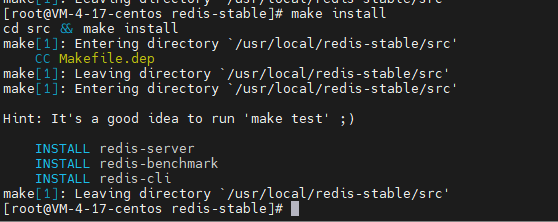
5、启动redis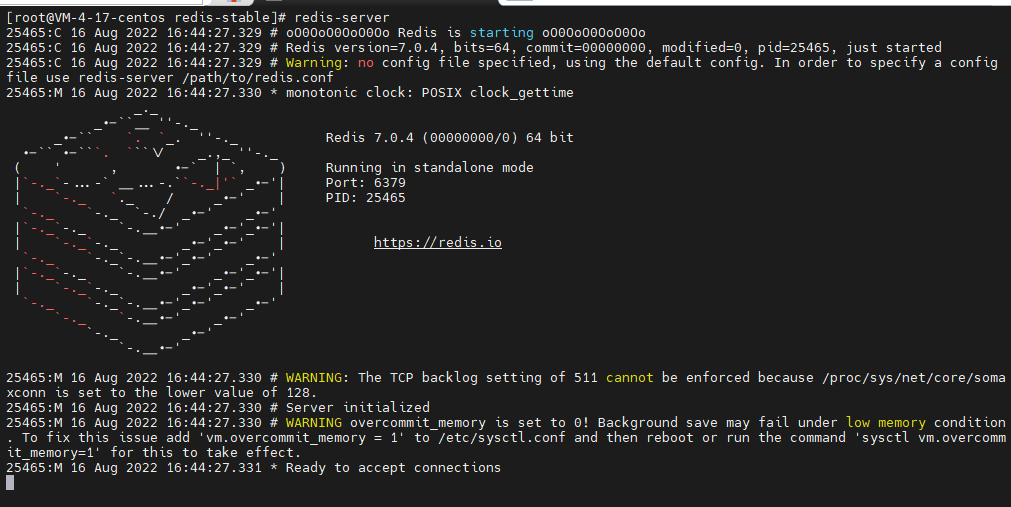
6、修改配置文件,设置成后台启动
配置文件位于 redis-stable目录下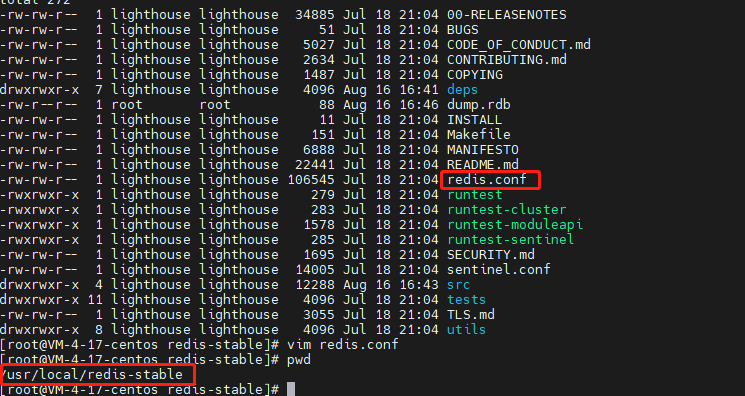
daemonize 改为yes
再次启动:redis-server /usr/local/redis-stable/redis.conf
7、设置成开机启动
命令:vim /etc/init.d/redis
#!/bin/sh
# description: Start and Stop redis
# chkconfig:   2345 90 10
# description:  Redis is a persistent key-value database
REDISPORT=6379
EXEC=/usr/local/bin/redis-server
CLIEXEC=/usr/local/bin/redis-cli

PIDFILE=/var/run/redis_${REDISPORT}.pid
CONF="/usr/local/redis-stable/redis.conf"

case "$1" in
    start)
        if [ -f $PIDFILE ]
        then
                echo "$PIDFILE exists, process is already running or crashed"
        else
                echo "Starting Redis server..."
                $EXEC $CONF &
        fi
        ;;
    stop)
        if [ ! -f $PIDFILE ]
        then
                echo "$PIDFILE does not exist, process is not running"
        else
                PID=$(cat $PIDFILE)
                echo "Stopping ..."
                $CLIEXEC -p $REDISPORT shutdown
                while [ -x /proc/${PID} ]
                do
                    echo "Waiting for Redis to shutdown ..."
                    sleep 1
                done
                echo "Redis stopped"
        fi
        ;;
    restart)
        "$0" stop
        sleep 3
        "$0" start
        ;;
    *)
        echo "Please use start or stop or restart as first argument"
        ;;
esac
(注意修改路径,要结合自己的实际情况)
# description: Start and Stop redis
# chkconfig: 2345 90 10
这两行一定要添加不然会提示
service redis does not support chkconfig.
# chkconfig --add redis   //开启自启动
# chkconfig redis off     //关闭自启动
# chkconfig --del redis   //删除自启动
最后重启发现已经Redis已经启动
本文含有隐藏内容,请 开通VIP 后查看