1.图示

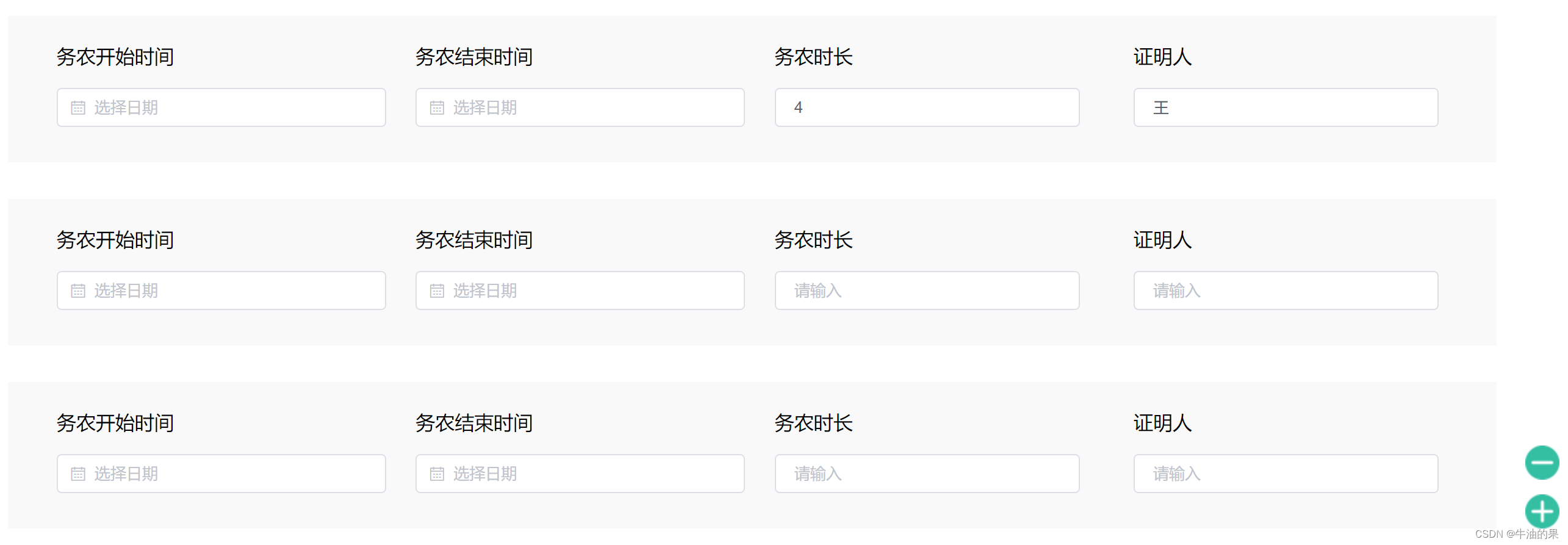
点击加号:模块可以自己增加,如下
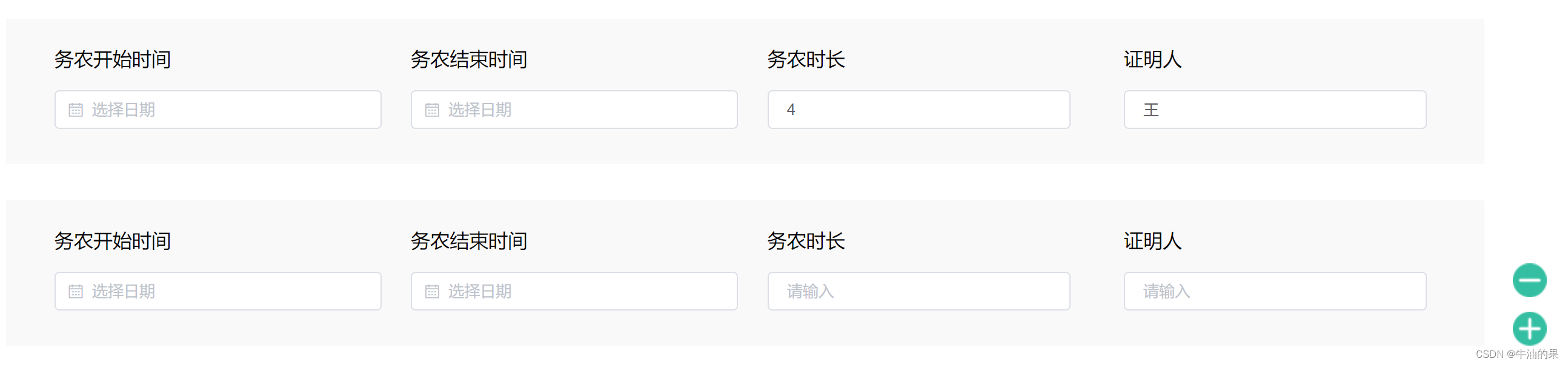
点击减号:模块可以从下面减
2.代码
        <div style="position: relative;">
            <div v-for="item in arryList">
              <el-row style="text-align: left;height: 120px; background-color:#F9F9F9; padding-top: 20px;" class="rowlay">
                <el-col :span="5" style="text-align: left;margin-left: 40px;">
                  <p class="gf_text">标题一</p>
                  <el-date-picker
                    v-model="form.creationDate"
                    style="width: 270px;"
                    type="date"
                    placeholder="选择日期"
                  />
                </el-col>
                <el-col :span="5" style="margin-left: 40px;">
                  <p class="gf_text">标题二</p>
                  <el-date-picker
                    v-model="form.creationDate"
                    style="width: 270px;"
                    type="date"
                    placeholder="选择日期"
                  />
                </el-col>
                <el-col :span="5" style="margin-left: 40px;">
                  <p class="gf_text">标题三</p>
                  <el-input v-model="item.documentNumber" style="width: 250px;" placeholder="请输入" />
                </el-col>
                <el-col :span="5" style="margin-left: 40px;">
                  <p class="gf_text">标题四</p>
                  <el-input v-model="item.documentNmber" style="width: 250px;" placeholder="请输入" /></el-col>
              </el-row>

            </div>
            <span style="display: flex;flex-direction: column;position: absolute;right: 50px;bottom: 0px;">
              <div @click="reducePart">
                <img style="width: 28px;height: 28px;" src="../../../assets/images/reduceone.png">
              </div>
              <div style="margin-top: 12px;" @click="addPart">
                <img style="width: 28px;height: 28px;" src="../../../assets/images/addone.png">
              </div>
            </span>
          </div>


data() {
    return {
   arryList: [
        {
          itemNumber: '888',
          archiveNumber: '5',
          documentNumber: '4',
          documentNmber: '王'
        }
      ],
  },
medthods:{
   reducePart() {
      if (this.arryList.length > 0) {
        this.arryList.splice(this.arryList.length - 1, 1)
      }
    },
    addPart() {
      this.arryList.push({})
    }
}
}