Django-allauth
今天安装allauth,安装完了,卖家login , logout, sign-up 等系列操作就不用我们自己写代码了。
通道安装Allauth
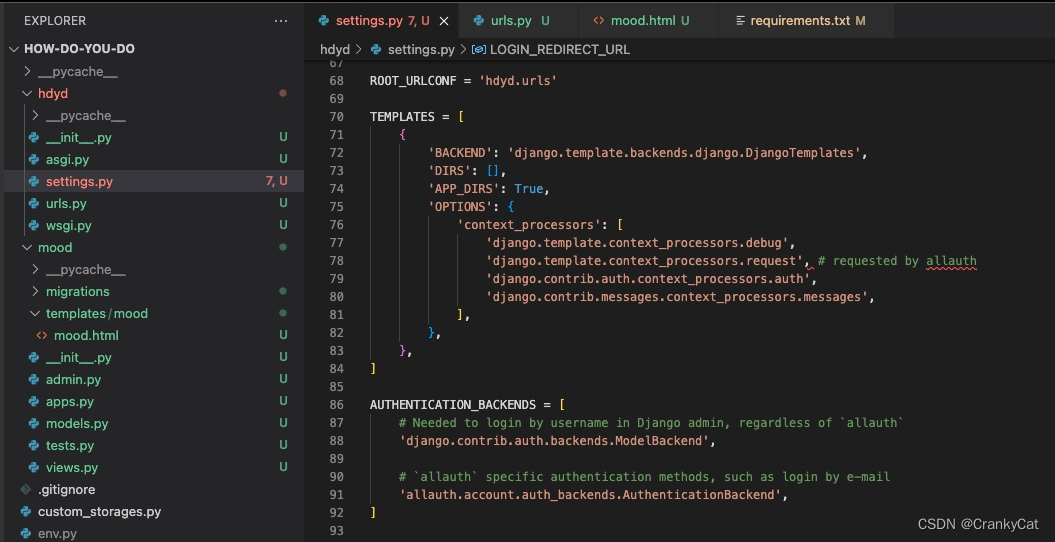
pip3 install django-allauth在setting.py 添加
AUTHENTICATION_BACKENDS = [

    # Needed to login by username in Django admin, regardless of `allauth`
    'django.contrib.auth.backends.ModelBackend',

    # `allauth` specific authentication methods, such as login by e-mail
    'allauth.account.auth_backends.AuthenticationBackend',
] 
setting.py -> INSTALLED_APPS
    'django.contrib.sites',

    'allauth',
    'allauth.account',
    'allauth.socialaccount',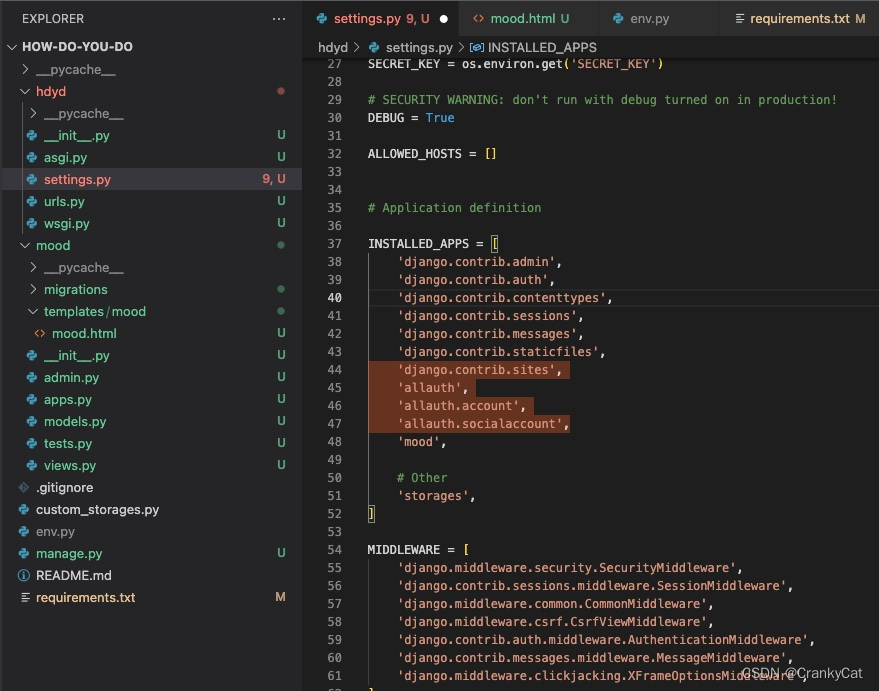
Setting.py 添加
SITE_ID = 1

EMAIL_HOST = 'localhost'
urls.py
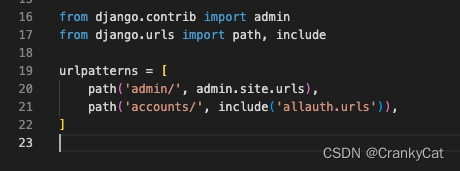
去urls.py添加allauth urls
from django.contrib import admin
from django.urls import path, include

urlpatterns = [
    path('admin/', admin.site.urls),
    path('accounts/', include('allauth.urls')),
] 
指令showmigrations,可以看到sites, socialaccount,没有更新。
python3 manage.py showmigrations 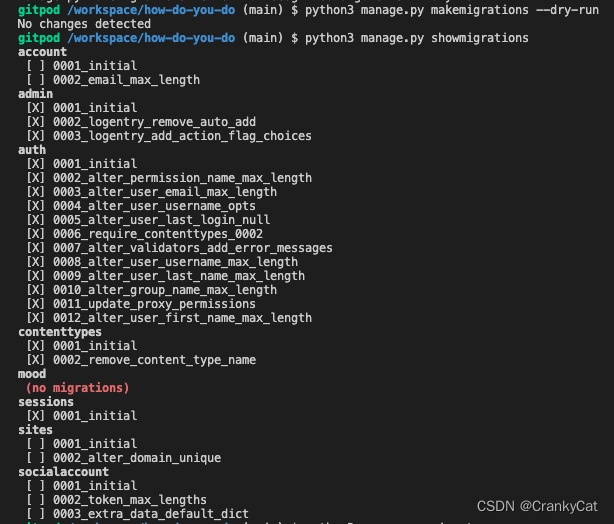
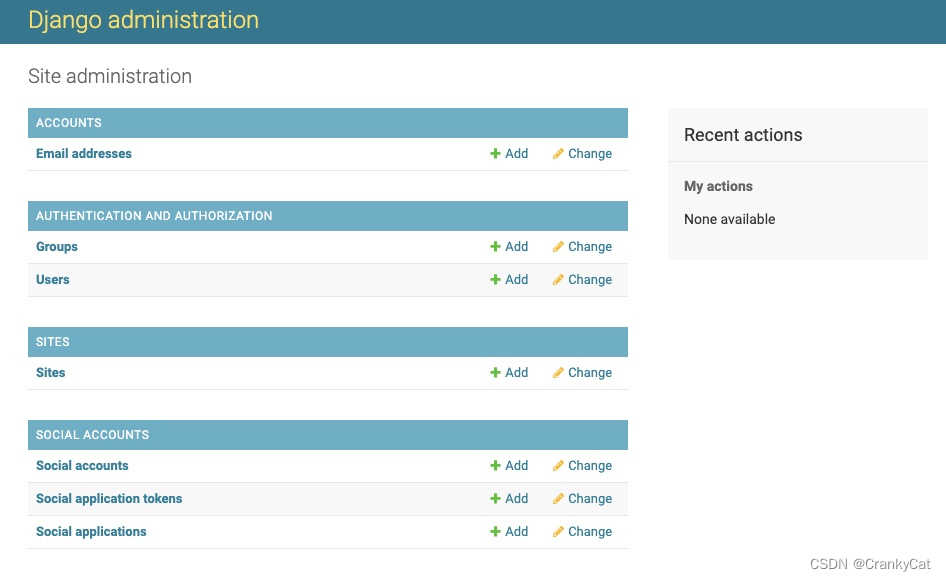
指令 migrate以后,就会更新,看到都是ok ok ok,然后就可以来到amdin页面了
python3 manage.py migrate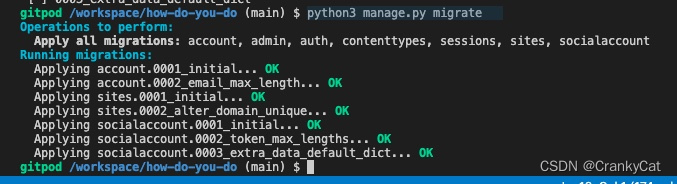
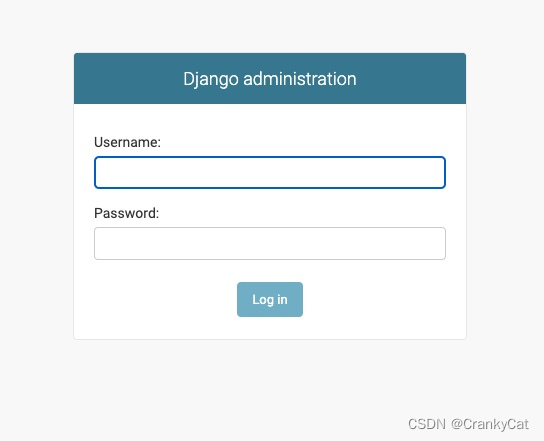
setting.py 添加信任点,就可以登录admin了
CSRF_TRUSTED_ORIGINS = [
    'https://8000-crankycatlov-howdoyoudo-uk2khh7g4ej.ws-eu67.gitpod.io',
]
测试登录accounts/login,记得要先logout
ACCOUNT_AUTHENTICATION_METHOD = 'username_email'
ACCOUNT_EMAIL_REQUIRED = True
ACCOUNT_EMAIL_VERIFICATION = 'mandatory'
ACCOUNT_SIGNUP_EMAIL_ENTER_TWICE = True
ACCOUNT_USERNAME_MIN_LENGTH = 4
LOGIN_URL = '/accounts/login/'
LOGIN_REDIRECT_URL = '/'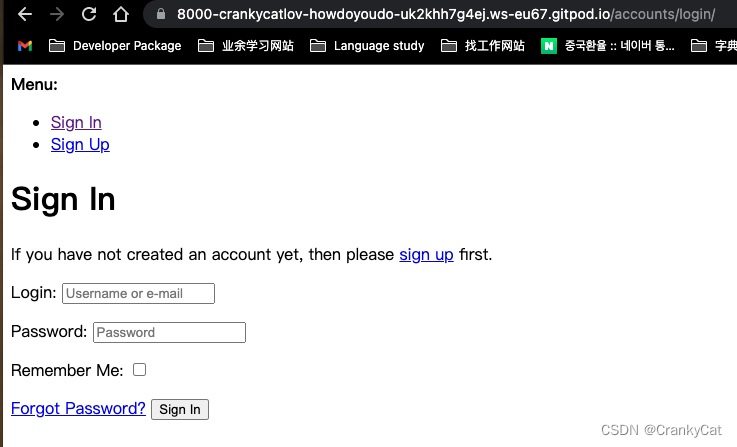
保存requirements.txt,建立文档保存前端template, push
#把allauth添加到requirements.txt
pip3 freeze > requirements.txt

#建文档保存前端代码
mkdir templates
mkdir templates/allauth

#push
git add .
git commit -m "setup allauth"
git push
本文含有隐藏内容,请 开通VIP 后查看