1. 下载安装包:
官网:MySQL :: Download MySQL Community Server https://dev.mysql.com/downloads/mysql/
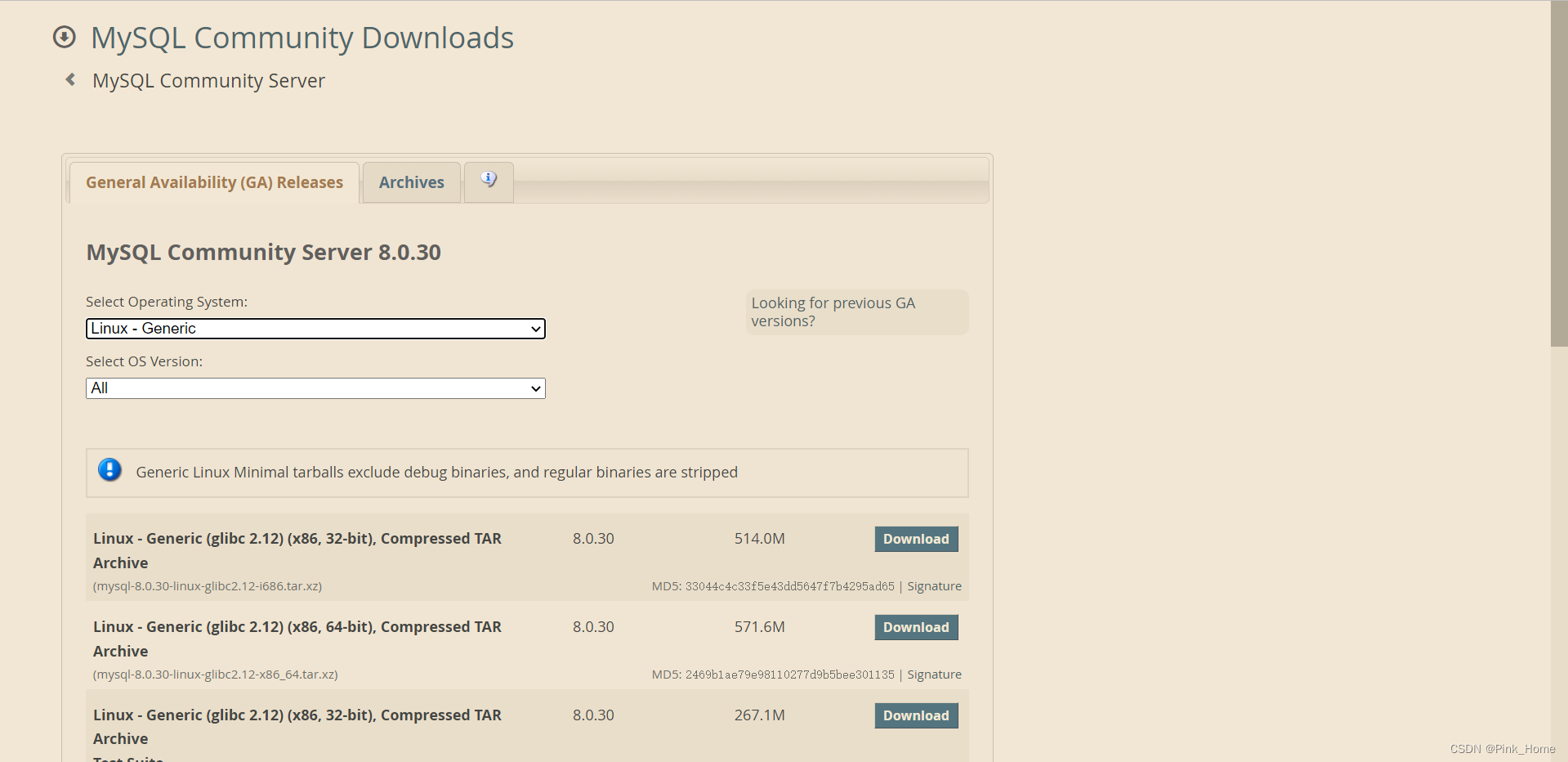
· 这边选择的是:mysql-8.0.30-linux-glibc2.12-x86_64.tar.xz
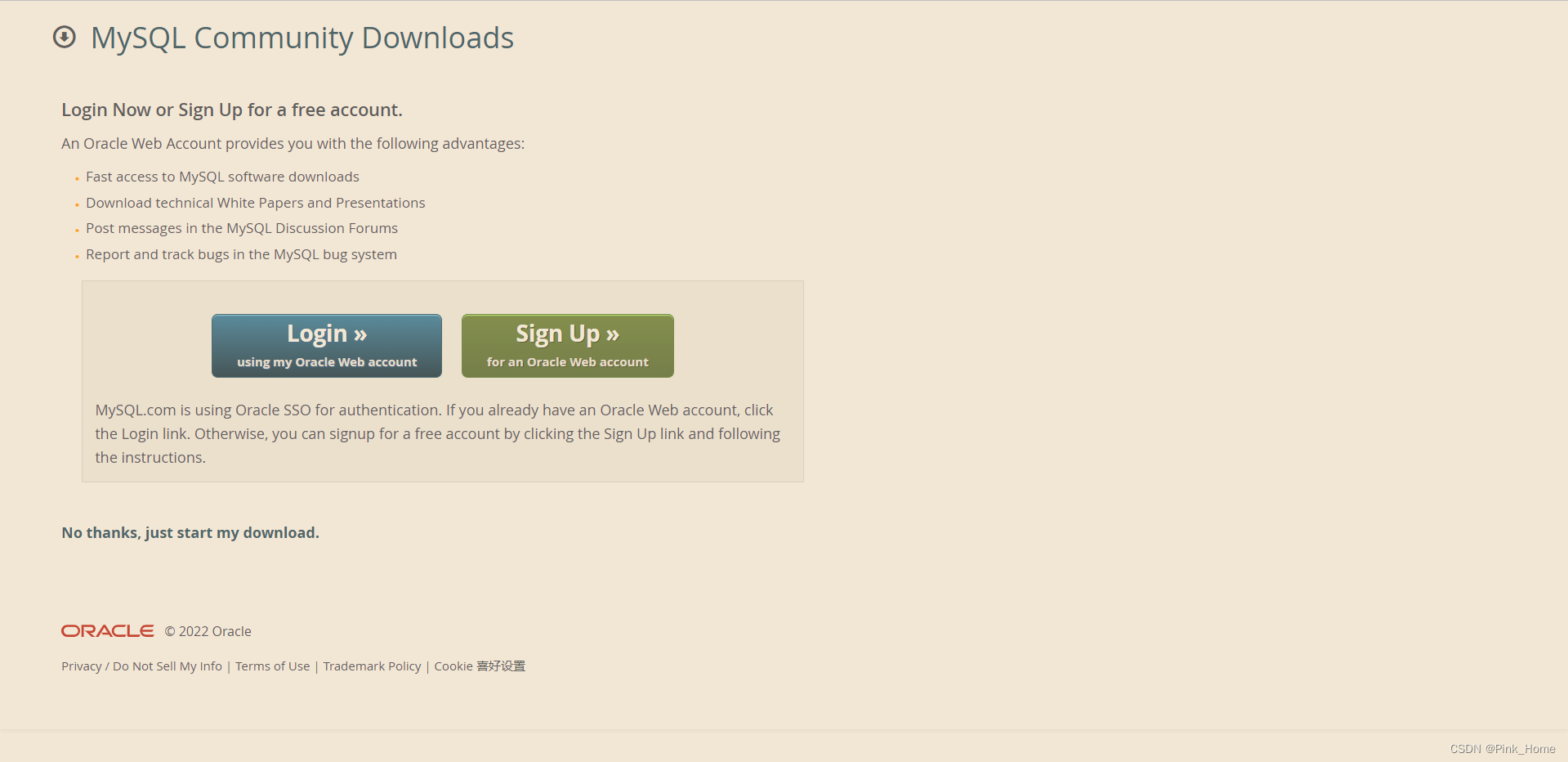
2. 上传至MobaXterm等终端工具中:
3. 解压压缩包:
tar -xf mysql-8.0.30-linux-glibc2.12-x86_64.tar.xz4. 修改并移动文件:
mv mysql-8.0.30-linux-glibc2.12-x86_64 /usr/local/mysql/mysql-8.05. 创建文件夹,存储文件:
cd /usr/local/mysql/mysql-8.0
mkdir data
6. 创建用户组,用户,密码:
#创建用户组:
[root@WWcentos ~]# groupadd mysql
#创建用户及其密码
[root@WWcentos ~]# useradd -g mysql mysql
[root@WWcentos local]# id mysql
uid=1001(mysql) gid=1001(mysql) groups=1001(mysql)
注意:为什么要创建mysql用户及其用户组:
在编译安装的时候创建一个mysql用户和mysql组,并把datadir和安装目录属主改为mysql,在MySQL启动的时候,单进程mysqld,该进程的属主就是mysql,这样就保证了mysql服务的独立性,即使mysql服务被黑掉,得到了mysql用户权限,也不会影响整个系统的安全。
7. 授权用户:
[root@WWcentos local]# chown -R mysql:mysql /usr/local/mysql/mysql-8.0[root@WWcentos mysql-8.0]# ll
total 300
drwxr-xr-x. 2 mysql mysql 4096 Jul 7 06:49 bin
drwxr-xr-x. 2 mysql mysql 6 Sep 22 18:27 data
drwxr-xr-x. 2 mysql mysql 55 Jul 7 06:49 docs
drwxr-xr-x. 3 mysql mysql 4096 Jul 7 06:49 include
drwxr-xr-x. 6 mysql mysql 201 Jul 7 06:49 lib
-rw-r--r--. 1 mysql mysql 287624 Jul 7 05:36 LICENSE
drwxr-xr-x. 4 mysql mysql 30 Jul 7 06:49 man
-rw-r--r--. 1 mysql mysql 666 Jul 7 05:36 README
drwxr-xr-x. 28 mysql mysql 4096 Jul 7 06:49 share
drwxr-xr-x. 2 mysql mysql 77 Jul 7 06:49 support-files8. 切换到bin目录下,初始化基础信息得到临时密码:
[root@WWcentos mysql-8.0]# cd bin/
[root@WWcentos bin]# ./mysqld --user=mysql --basedir=/usr/local/mysql/mysql-8.0 --datadir=/usr/local/mysql/mysql-8.0/data/ --initialize
2022-09-22T10:39:33.452952Z 0 [Warning] [MY-011070] [Server] 'Disabling symbolic links using --skip-symbolic-links (or equivalent) is the default. Consider not using this option as it' is deprecated and will be removed in a future release.
2022-09-22T10:39:33.453272Z 0 [System] [MY-013169] [Server] /usr/local/mysql/mysql-8.0/bin/mysqld (mysqld 8.0.30) initializing of server in progress as process 6137
2022-09-22T10:39:33.474806Z 1 [System] [MY-013576] [InnoDB] InnoDB initialization has started.
2022-09-22T10:39:34.887102Z 1 [System] [MY-013577] [InnoDB] InnoDB initialization has ended.
2022-09-22T10:39:36.604847Z 6 [Note] [MY-010454] [Server] A temporary password is generated for root@localhost: Y,swYnNa3gy)
[root@WWcentos bin]#
临时密码:

9. 切换到mysql-8.0目录下,添加mysqld服务到系统:
[root@WWcentos local]# cd mysql/mysql-8.0/
[root@WWcentos mysql-8.0]# cp -a ./support-files/mysql.server /etc/init.d/mysql
10. 授权以及添加服务:
[root@WWcentos mysql-8.0]# chmod +x /etc/init.d/mysql[root@WWcentos mysql-8.0]# chkconfig --add mysql11. 编辑配置文件 /etc/my.cnf
[root@WWcentos etc]# vi my.cnf
[root@WWcentos etc]# cat my.cnf
[mysqld]
#mysql安装根目录
basedir=/usr/local/mysql/mysql-8.0
#mysql数据文件所在位置
datadir=/usr/local/mysql/mysql-8.0/data
#设置socket文件所在目录
socket=/tmp/mysql.sock
#数据库默认字符集,主流字符集支持一些特殊表情符号(特殊表情符占用4个字节)
character-set-server=UTF8MB4
# Disabling symbolic-links is recommended to prevent assorted security risks
symbolic-links=0
# Settings user and group are ignored when systemd is used.
# If you need to run mysqld under a different user or group,
# customize your systemd unit file for mariadb according to the
# instructions in http://fedoraproject.org/wiki/Systemd

#[mysqld_safe]
#log-error=/var/log/mariadb/mariadb.log
#pid-file=/var/run/mariadb/mariadb.pid

#
# include all files from the config directory
#
!includedir /etc/my.cnf.d
12. 启动MySQL:
[root@WWcentos ~]# service mysql start
Starting MySQL.Logging to '/usr/local/mysql/mysql-8.0/data/WWcentos.err'.
........ SUCCESS!
13. 查看启动状态:
[root@WWcentos ~]# service mysql status
 SUCCESS! MySQL running (9584)
14. 登录MySQL:
本文含有隐藏内容,请 开通VIP 后查看