背景
浙政钉上架应用可自行定义发送工作通知给用户。
版权
本文允许转载,转载请写上原文地址,谢谢!作者:曹震
目录
一、准备工作
 https://caozhen.blog.csdn.net/article/details/126529774
二、浙政钉系列
三、代码开发
1.接口说明
工作通知接口限制说明:
同一个应用相同消息的内容同一个用户一天只能接收一次。
同一个应用给同一个用户发送消息,ISV应用开发方式一天不得超过100次。
2.参数说明
名称 |
类型 |
是否必填 |
描述 |
|---|---|---|---|
organizationCodes |
String |
否 |
接收者的部门id列表, 接收者是部门id下(包括子部门下)的所有用户,与receiverIds都为空时不发送,最大长度列表跟receiverIds加起来不大于1000 |
receiverIds |
String |
否 |
接收人用户ID(accountId), 多个人时使用半角逗号分隔,与organizationCodes都为空时不发送,最大长度列表跟organizationCodes加起来不大于1000 |
tenantId |
String |
是 |
租户ID |
bizMsgId |
String |
是 |
业务消息id,自定义,有去重功能 调用者的业务数据ID,同样的ID调用多次会提示"重复"错误 |
msg |
String |
是 |
json对象 必须 {"msgtype":"text","text":{"content":"消息内容"}} 消息内容,目前支持:文本消息:text, 链接消息:link, Markdown:markdown,OA消息:oa, 卡片消息:action_card。最长不超过2048个字节 |
3.返回参数
参数 |
类型 |
说明 |
|---|---|---|
success |
boolean |
成功标识 |
content |
String |
消息id |
4.接口授权
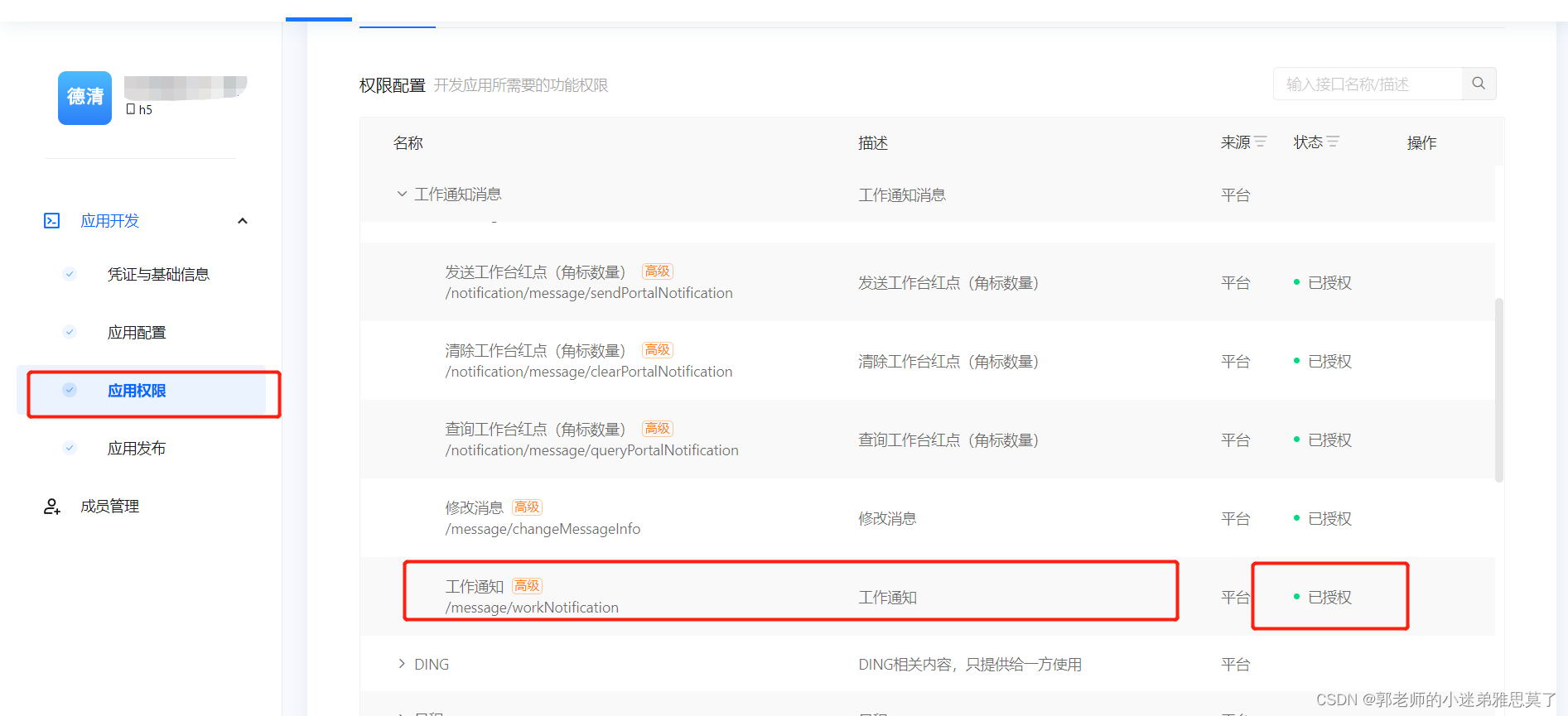
接口需要先授权,如图所示,切记授权管理必须在应用为下架状态下进行操作,如果在上架后操作是看不到接口授权按钮的。
5.代码demo
public class IntelligentClientTest {

    private static ExecutableClient executableClient;

    static {
        executableClient = ExecutableClient.getInstance();
        //DomainName不同环境对应不同域名,示例为sass域名
        executableClient.setDomainName("openplatform.dg-work.cn");
        executableClient.setProtocal("https");
        //应用App Key
        executableClient.setAccessKey("App Key");
        //应用App Secret
        executableClient.setSecretKey("App Secret");
        executableClient.init();
    }

    public static void main(String[] args) {
        //executableClient保证单例
        IntelligentGetClient intelligentGetClient = executableClient.newIntelligentGetClient("/message/workNotification");
        OapiMessageWorkNotificationRequest oapiMessageWorkNotificationRequest = new OapiMessageWorkNotificationRequest();
        //接收者的部门id列表
        oapiMessageWorkNotificationRequest.setOrganizationCodes("字符串");
        //接收人用户ID
        oapiMessageWorkNotificationRequest.setReceiverIds("字符串");
        //租户ID
        oapiMessageWorkNotificationRequest.setTenantId("字符串");
        //业务消息id
        oapiMessageWorkNotificationRequest.setBizMsgId("字符串");
       //消息对象
        oapiMessageWorkNotificationRequest.setMsg("字符串");
        //获取结果
        OapiMessageWorkNotificationResponse apiResult = intelligentGetClient.get(oapiMessageWorkNotificationRequest);
    }
}具体接口文档可以参考:专有钉钉开放平台管理后台 (dg-work.cn)
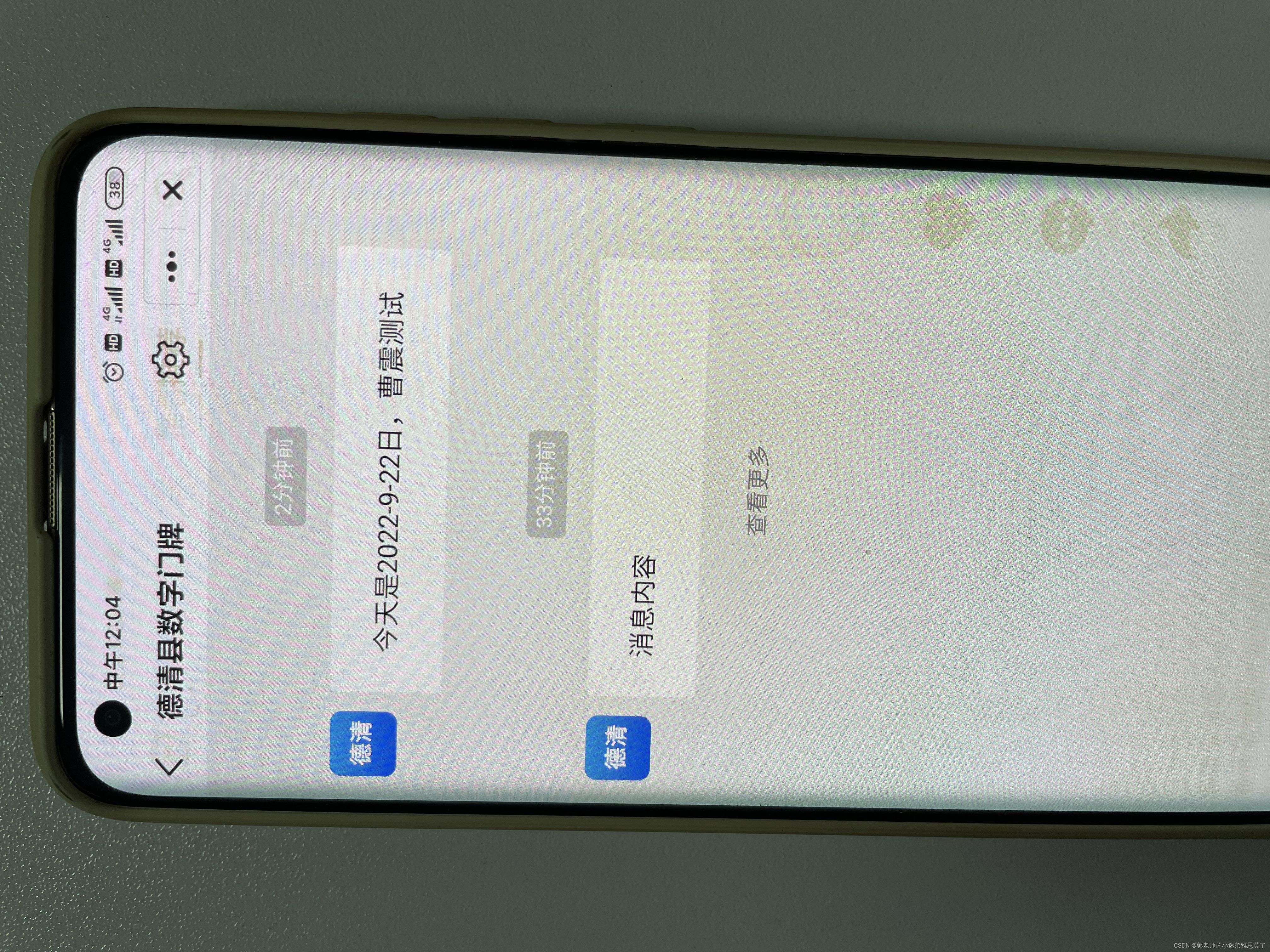
6.结果
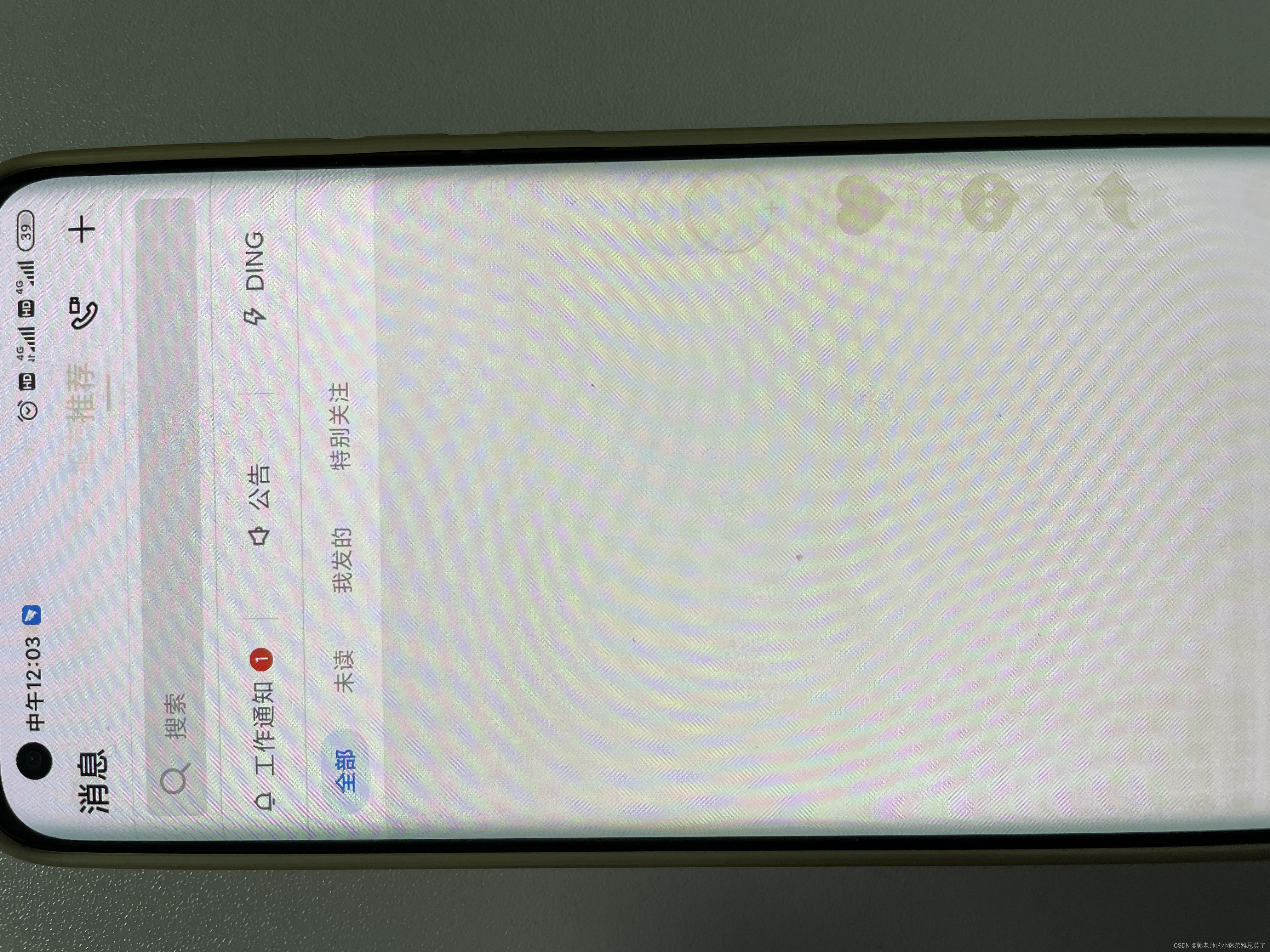
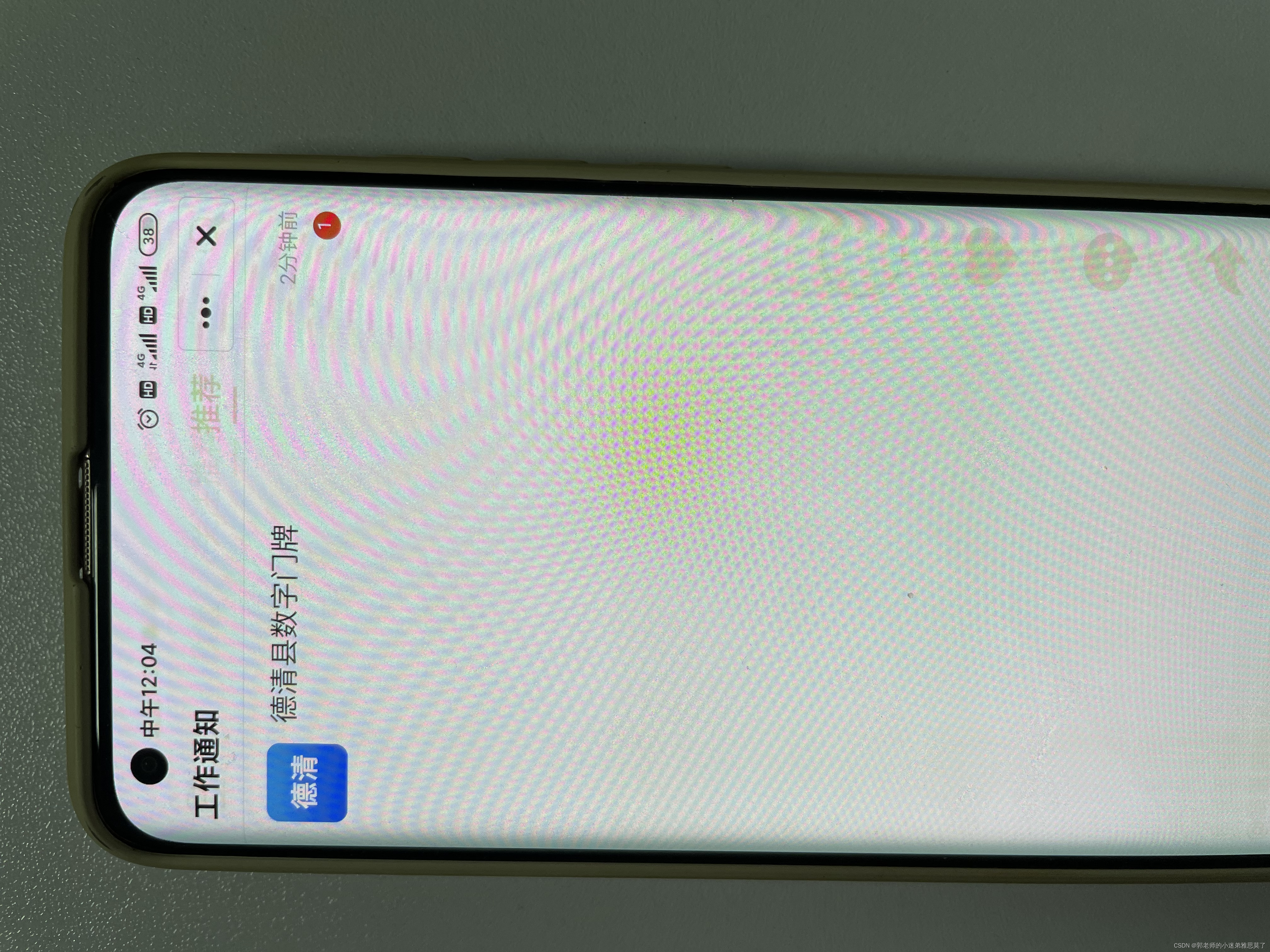
由于专有钉钉不可以截图,我这边拿手机拍的。
作者:曹震 转载请附上原文地址