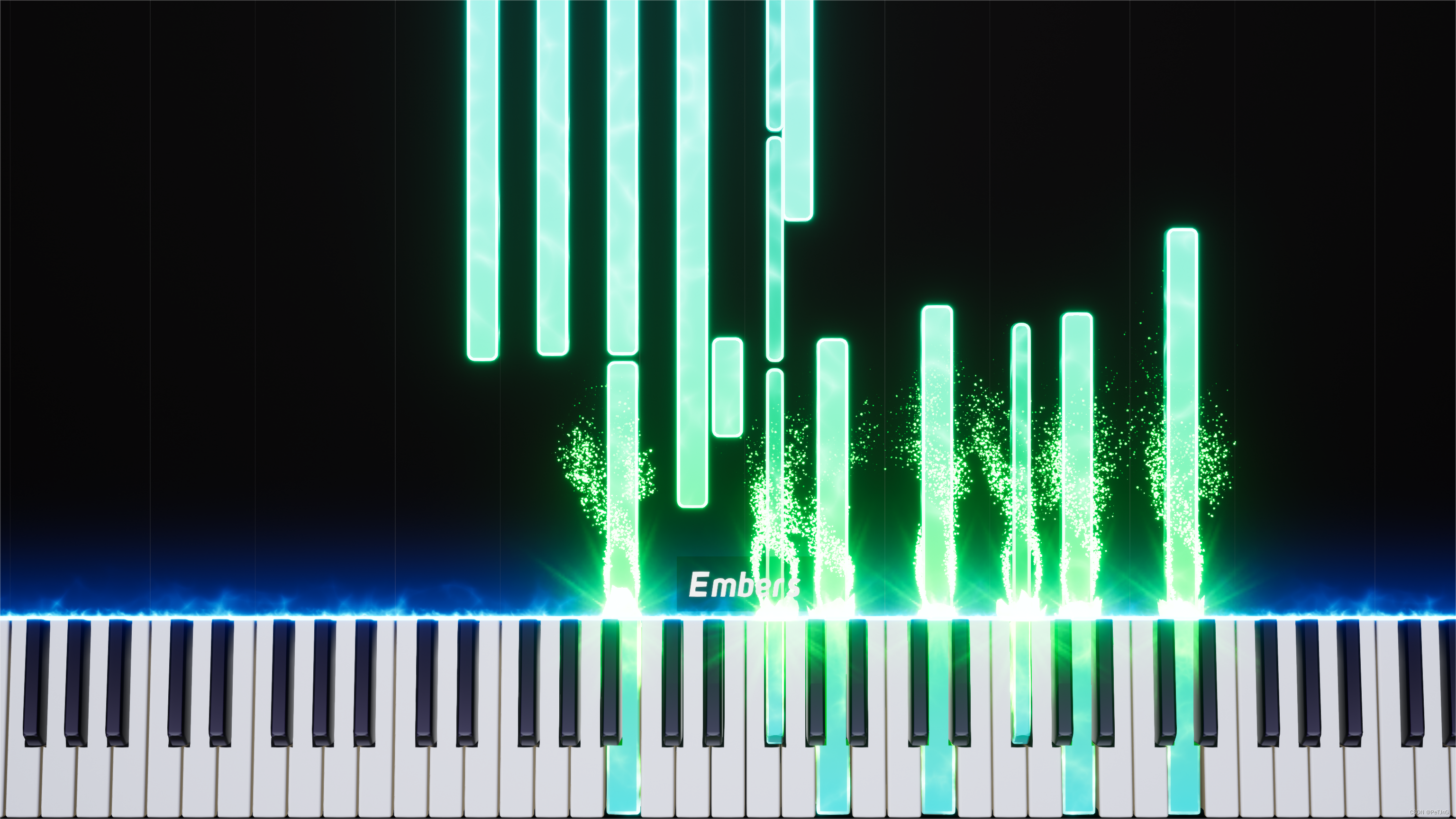
1:环境搭建(均展示个人对应配置)
1-1:硬件配置
R5 3600+16GB+RTX3060(对显卡无硬性要求,有N卡最好)
1-2:操作系统
Windows11:用于Domino编辑midi文件和特效钢琴展示
Ubuntu20.04(Linux System):用于Giant MIDI-Piano的Ai转换
1-3:获取本文所需资源
「链接:https://pan.xunlei.com/s/VNAhj3Obvtcouj09NWUuNkdTA1?pwd=79ta# 提取码:79ta」
1-4:基础环境(可尝试在Windows上搭建并跳转至步骤1-5-2)
1-4-1:管理程序及语言编译器
Anaconda3+Python3.8
1-4-2:有N卡(RTX30系)
驱动510.47.03+CUDA11.6.2+cuDNN 8.4.0+(Pytorch1.12.0+cu116)+(torchversion0.13.0+cu116)
1-4-3:无N卡
默认安装Pytorch时即为CPU版本
1-5:所需库(请切换Ubuntu系统)
1-5-1:更改Ubuntu的软件源地址为华为云,在终端执行:
sudo apt-get ffmpeg1-5-2:激活Pytorch环境并安装:(可在Piano_trans中的Requirements中找到)
pip install h5py -i https://pypi.tuna.tsinghua.edu.cn/simple
pip install pandas -i https://pypi.tuna.tsinghua.edu.cn/simple
pip install librosa -i https://pypi.tuna.tsinghua.edu.cn/simple
pip install numba -i https://pypi.tuna.tsinghua.edu.cn/simple
pip install mido -i https://pypi.tuna.tsinghua.edu.cn/simple
pip install mir_eval -i https://pypi.tuna.tsinghua.edu.cn/simple
pip install matplotlib -i https://pypi.tuna.tsinghua.edu.cn/simple
pip install torchlibrosa -i https://pypi.tuna.tsinghua.edu.cn/simple
pip install sox -i https://pypi.tuna.tsinghua.edu.cn/simple
2:使用Giant MIDI-Piano
2-1:修改使用设备(默认CPU)
打开Piano_trans---Run---trans.py,按照提示修改使用设备
2-2:开始转换
在Piano_trans---Run路径下激活Pytorch环境运行:
python trans.py接着选择你想要转换的音频文件即可开始转换(若已转换请先删除)
转换成功后的文件位置与音频文件相同
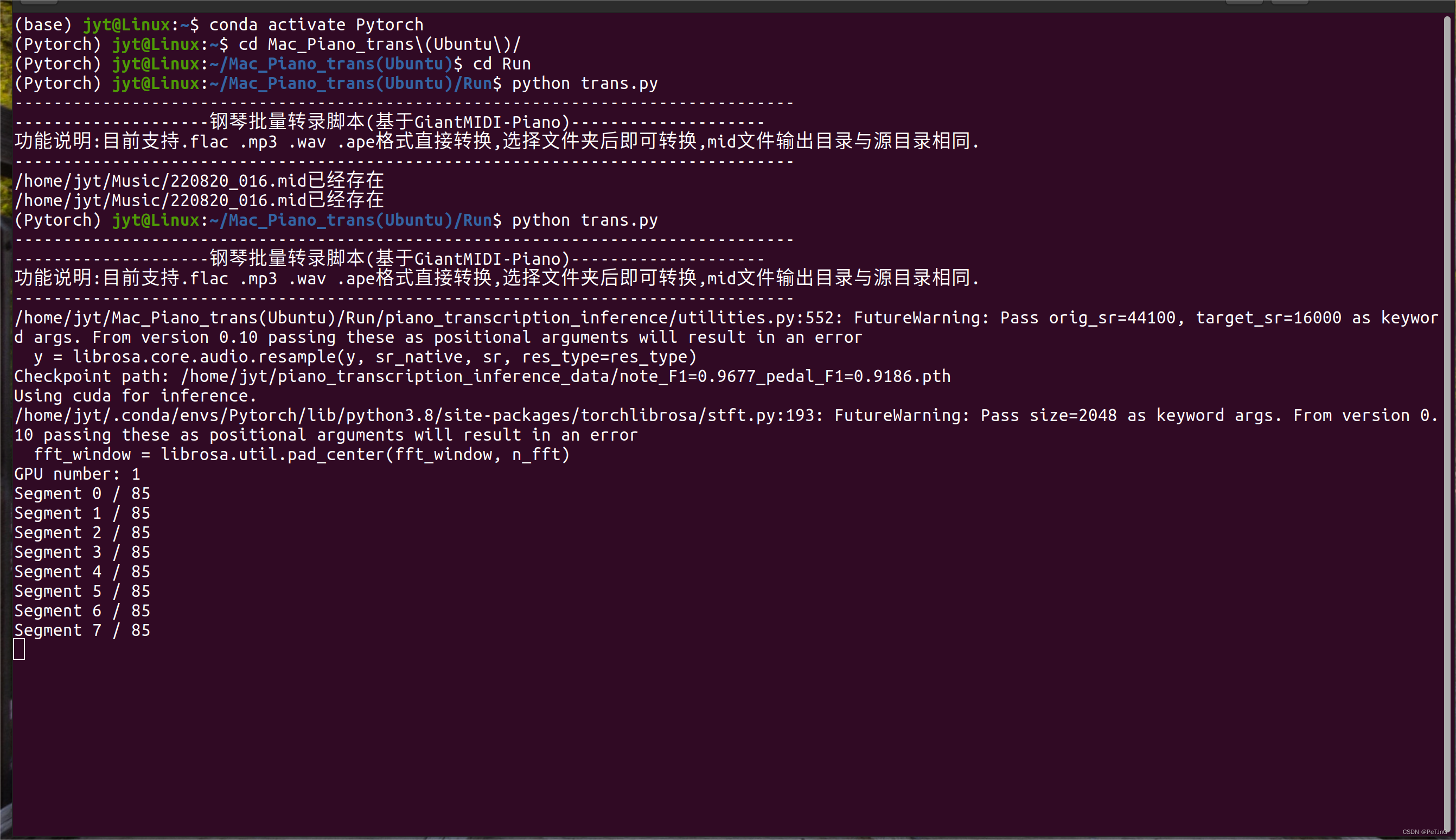
2-3:速度,准确率和不足之处(以Sincerely-Animenz举例)
速度:CPU转换时间稍长,请耐心等待~(20min-30min),GPU较快(1-2min)
准确率:很高!(95%)有一定的错误,这也许取决于你录制时钢琴的音调和声音大小
不足之处:Ai会默认音符延续到抬起踏板,不方便直接转换成谱
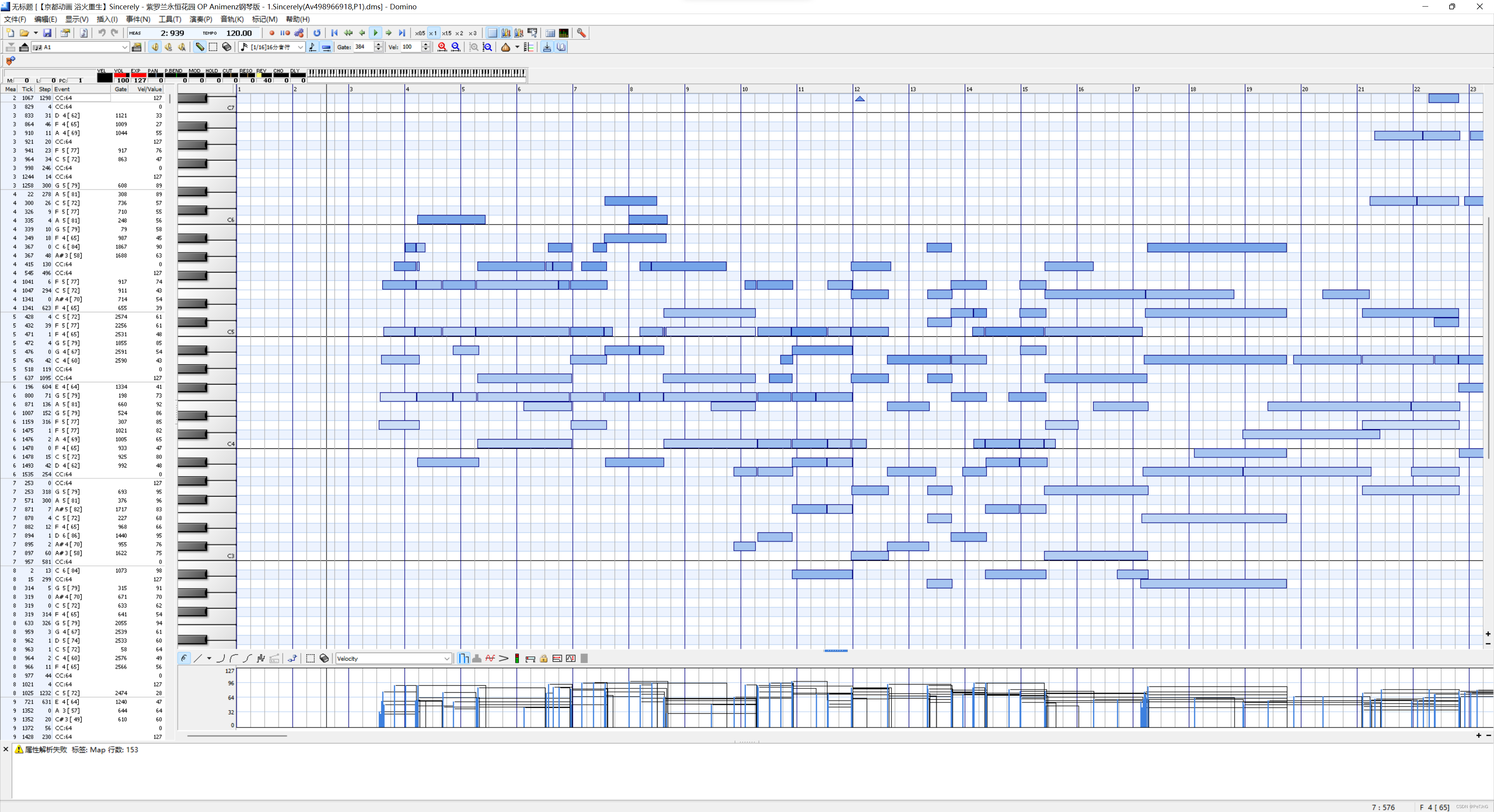
3:使用Domino播放并修改MIDI(请切换Windows系统)
打开Domino---domino---Domino.exe即可开始你的编辑之旅!
4:使用Embers特效钢琴
打开并安装Embers-2.3-windows.exe即可欣赏完美的演奏!