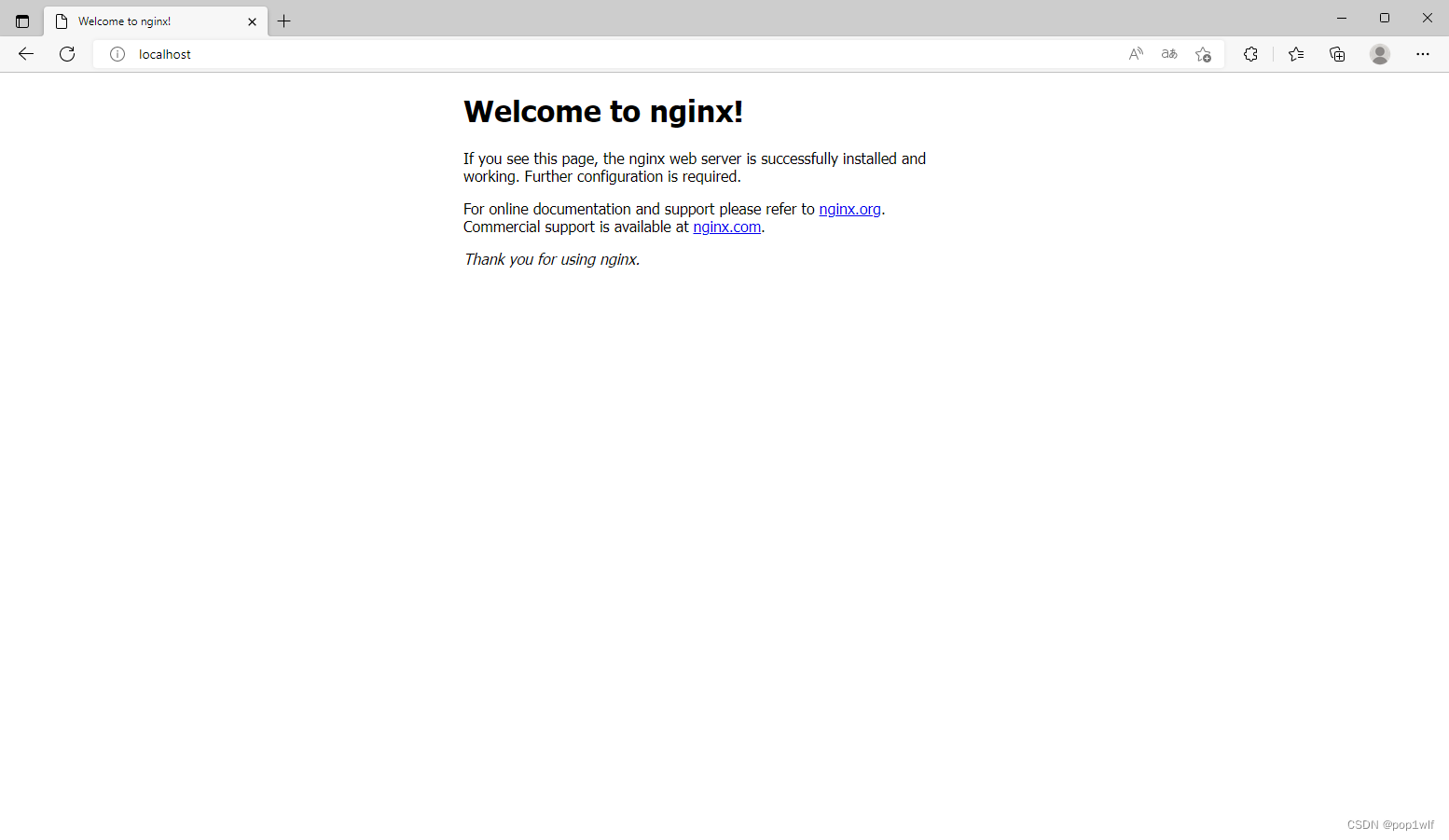
使用Windows10安装Nginx时,报错无法打开文件。
nginx: [alert] could not open error log file: CreateFile() "logs/error.log" failed (3: The system cannot find the path specified)
2022/10/25 16:16:53 [emerg] 25676#22944: CreateFile() "C:\WINDOWS\system32/conf/nginx.conf" failed (3: The system cannot find the path specified)

出现这个错误之后,使用cd命令,切换CMD当前目录至Nginx的解压目录即可。